
Learning can take place in a surprising number of environments and certainly, much learning takes place outside the classroom. I often think it is the outside learning experiences that are the most engaging for young learners. I would also suggest that it is what goes on outside the classroom that consolidates the learning that takes place within it. Therefore I like to put products through their paces that claim to help children’s learning. The Amazon Fire for Kids is often described as Educational – but what does it really offer? In this post, we explain the benefits of the Amazon Kids Tablet and how it supports learning.
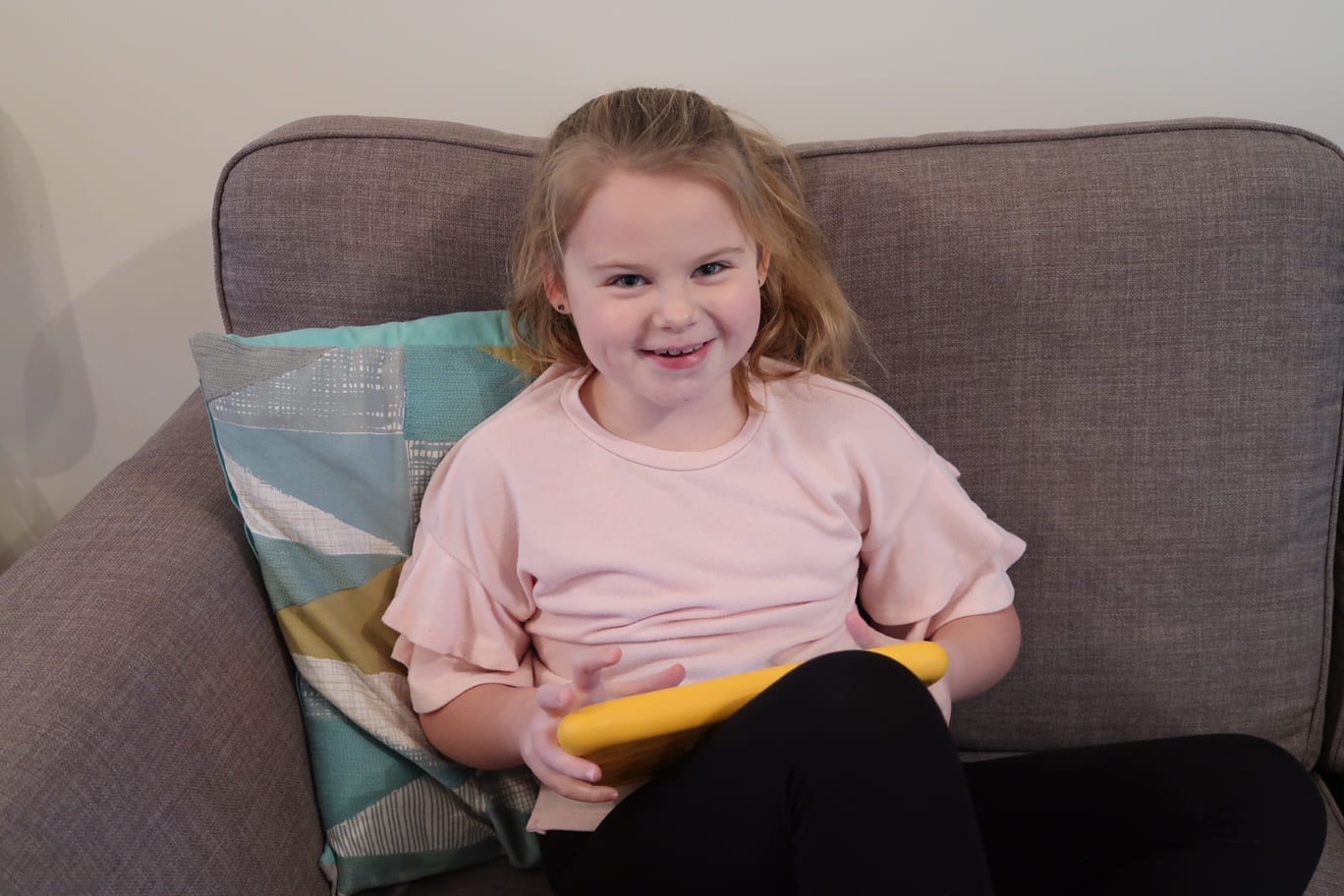
Many children need to put into practice what they have learned in order to fully understand it. Primary schools are much better at this than secondary schools. Primary classrooms are much more active places because children are putting into practice the skills they are learning. Remember the shop set up in the corner of your primary classroom – it wasn’t there by accident. Role play is vital for helping younger children learn the skills associated with that job.
Sitting at a desk all day simply doesn’t cut it for most learners who need to be more active.
At home, I try to engage Erin with the same topics she is doing at school. I like to know what she is doing and then tie things in with it. This is easy with Erin who loves to learn, but I think most children would enjoy parents getting involved like this. If your child is crafty then get them making things relevant to the school topic.
Erin enjoys baking and this is always a great way to reinforce Maths and Science. It helps explain how things go together. Weighing out ingredients teaches measurements.
However there is also a place for using technology including the Amazon kids tablet which can support learning. Especially during times of home learning.
How Can The Amazon Kids Tablet Support Learning?
Erin enjoys using tablets to aid her learning. There are so many educational apps and programmes available now that this too is a viable way of putting into practice what has been taught in the classroom. Check out these 16 learning games I recommended for KS1 Erin especially loves practising times tables and her spellings on apps.
Did you know using a variety in teaching methods helps the information stick? In the past, Erin has used Maths Rockx to help learn her time’s tables. She is now pretty confident at fast recall.
The Amazon kids tablet comes fully loaded with 5,000 kid-friendly books, movies, TV shows, educational apps, and games. I wanted to put it through its paces and see if it really can add to a children’s learning toolkit.
Amazon Fire for Kids Review
The Amazon Fire for Kids is a real tablet that comes with a kid-proof case. This is a pretty important feature for younger users who seemingly leave it whenever they choose or have the ability to drop it when something else catches their attention. Amazon also has a two-year guarantee that promises no questions if it gets broken in that timeframe. What a relief for parents!

Erin had great fun with the pre loaded content. On her other tablet we have to load everything ourselves and pay for apps too. This offers great peace of mind because there is so much already available.
Parental controls – Is it safe?
As a parent, I liked the parental controls. I am a huge advocate of children using technology from a young age although I am fully aware of how in just a few clicks children could potentially see and access unsuitable things purely by accident. The parental controls stop this happening. The content is age appropriate and suitable for their development. You can also limit how much time is spent on the device. Again another great feature as it can be very easy to lose trac of time both for the child and the parent.
The educational apps we really rated include:
- Times Tables Rock Stars
- Squeebles Wordsearch
- Squeebles Spelling Test – you add your child’s weekly spellings in for them to learn
- Squeeble Fractions
- Squeeble Tell the Time – this is one of Erin’s current topics.
- My First French Words
What else can it do?
By using the parental dashboard you can also give access to other features including your Netflix and so on. This comes in handy for trips away and the like.
The Amazon Fire Kids is a great resource for primary school children. When used in conjunction with other tools it can definitely consolidate what is being learned elsewhere.
In the two weeks since we have had the tablet, Erin has used it for downtime when relaxing but also to support her learning. This tablet works for us and with the features, I have mentioned I am happy to see her using it as part of her daily activities.
What apps do you like to see on a tablet aimed at children?
Whilst we are home learning there is definitely a space using the Amazon kids tablet to support your child’s learning. You can buy it now by clicking this link

2 Responses
The Amazon Fire for Kids offers the best of both worlds in my opinion. The kids can have fun with the apps, games and videos. Whilst the range of books and educational content enables them to learn without really knowing that they are.
We are so impressed with ours and have actually just got a second one for Lily. The parental controls are just brilliant, best thing we’ve ever had for the girls!